FolderVideoPlayer
Now on the Apple TV App Store

Your NAS library, on the big screen.

FolderVideoPlayer is a fast, quiet SMB video player for Apple TV. Point it at the shared folders on your own network — your NAS, your Mac, your files — and the whole library opens up on your TV, with thumbnails that never slow down, no matter how big it gets.

For Apple TV No account needed No subscription No cloud, ever
Launch offer Free on the App Store — from now until 7 Oct 2026. After that: $1.99 once. No subscription, ever.
FolderVideoPlayer library on an Apple TV — the full screen
Media Share · playing over SMB Apple TV 4K · tvOS · local network only
5,000+ filesthumbnails stay instant
Resumes where you stoppedeven after restart
5,000+
videos in a library — browsing never slows, because every thumbnail is made once and kept
100%
local network. Your videos never leave your home to reach your TV
0
accounts, analytics, ads or cloud servers — nothing to sign up for
1×
payment, once, ever. No subscriptions, no recurring fees
Made for the living room

Everything a folder of videos deserves on a TV

No transcoding servers, no photo-library tax, no “supported cloud only”. Just your files, presented properly.

Browse any SMB share

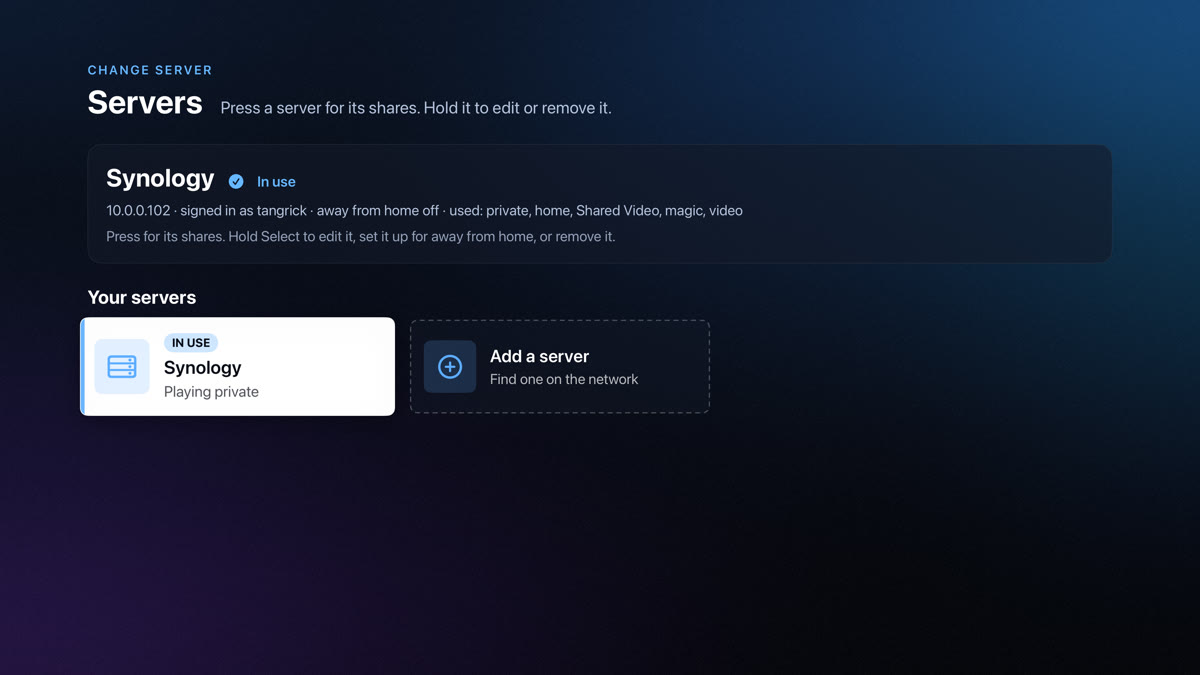
Works with Synology, QNAP, Windows, macOS, Linux — anything that speaks SMB. Find your share by name over Bonjour or type its address. Folders, sort, tags, and all the deep paths you actually keep.

Smart thumbnail caching

Every thumbnail is generated once and never again — even in libraries of 5,000+ videos browsing stays fast. Frames are kept on the TV and alongside your files on the share, so nothing is rebuilt for a second device either.

Tags that travel with you

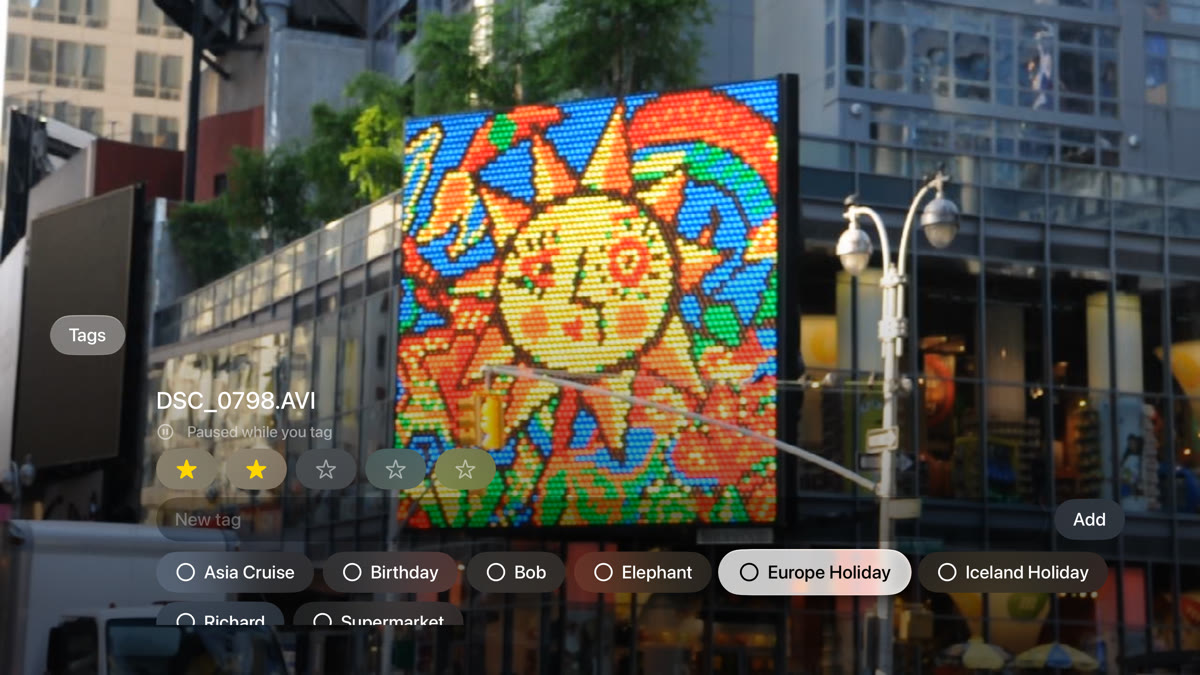
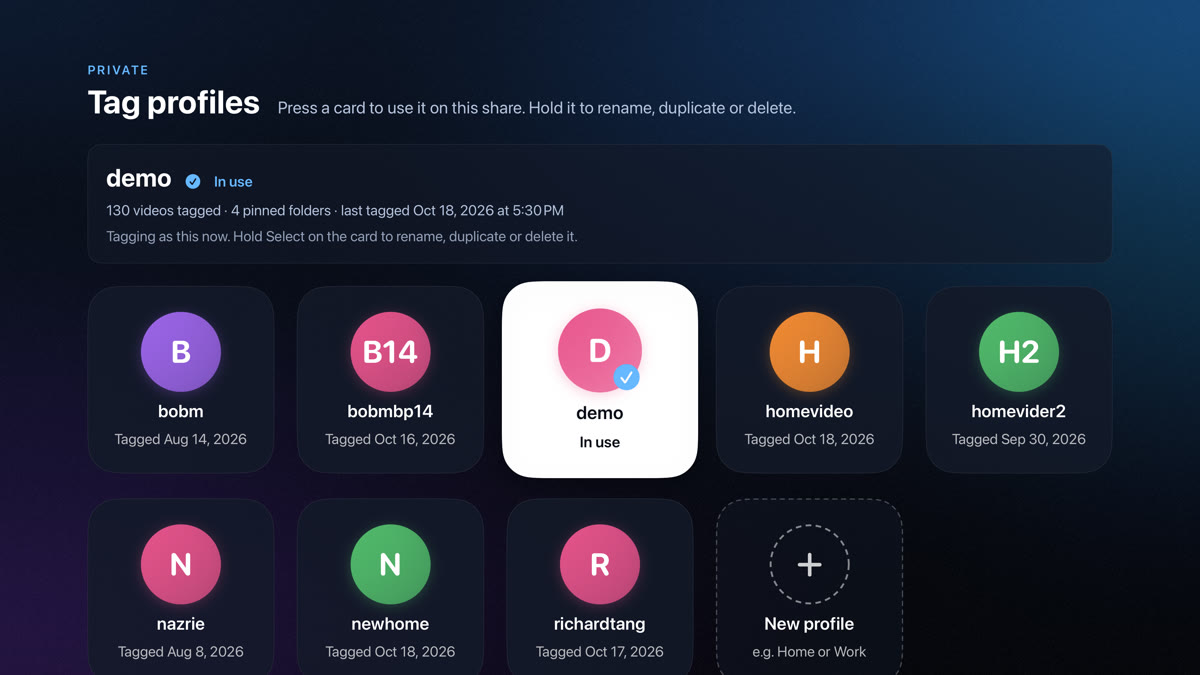
Tag your videos on the TV, see them on your Mac, iPhone or a second Apple TV. Tags live in a small folder on your own share — synced through your network, never through a server.

Picks up where you stopped

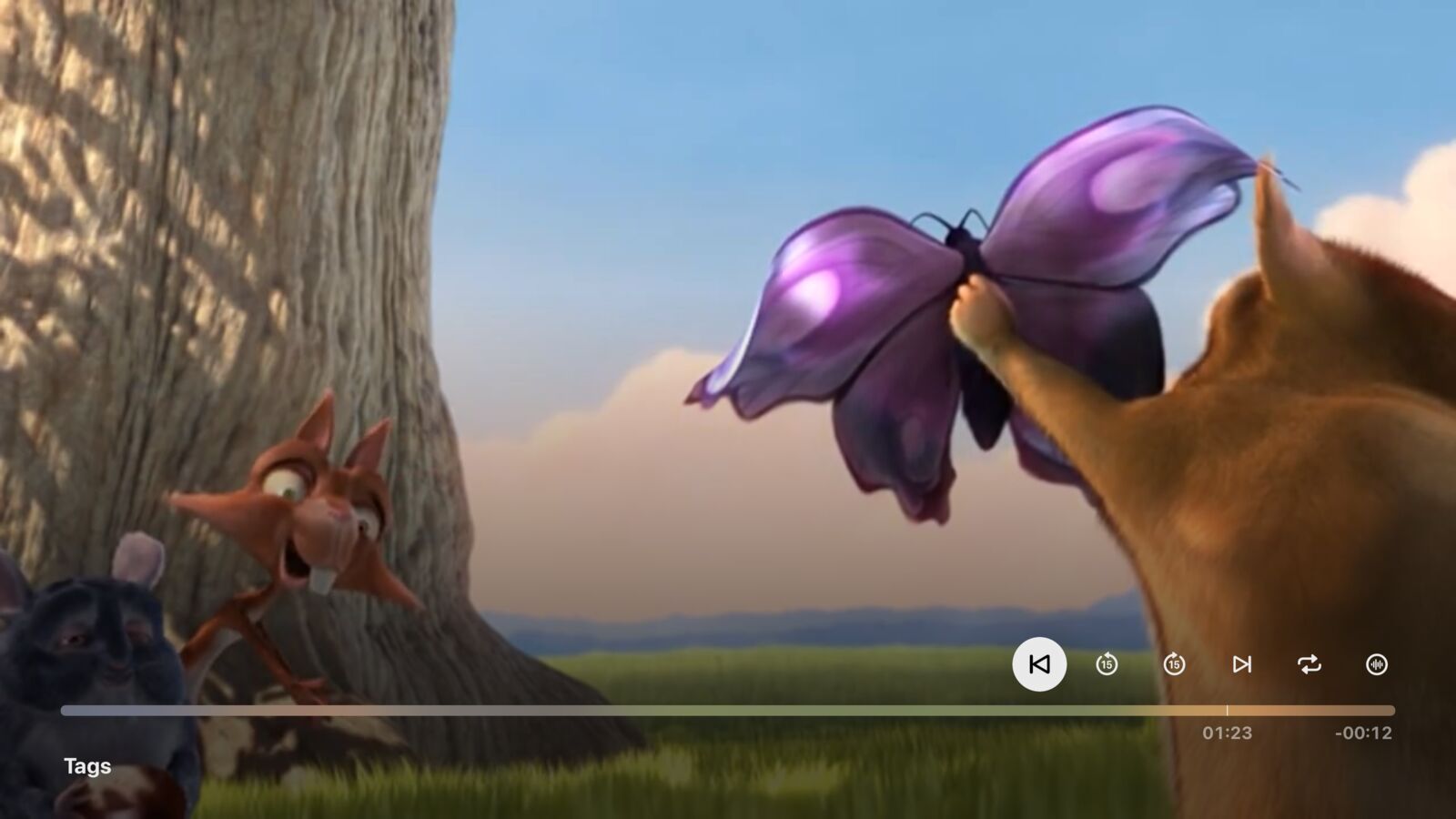
Quit mid-episode, come back days later — it offers to carry on from the exact spot. Play order and preferences are remembered on the device, so the TV behaves like yours.

One connection only

Your TV meets your files. Nothing else.

1

Open the app on Apple TV

No login, no sign-up, no account to create. Open it and the app looks for shares on your network.

0 accounts
2

Pick your SMB share

Choose it from the list Bonjour discovers, or type the address. Credentials live only in the tvOS Keychain.

SMB + Keychain
3

Browse. Play. Enjoy.

The whole library — folders, tags, thumbnails — streams straight from your share over your local network.

nothing leaves home

Privacy by construction

FolderVideoPlayer collects nothing — no analytics, no crash reporting, no advertising SDKs, no cloud of any kind. The only thing it talks to is the file share you point it at, on your own network.

Read the privacy policy →
Get help

Something not right? Tell us.

We reply by email, usually within a day or two. The more you tell us, the faster we can help.

No account needed. We only use your details to reply to you. This form is protected from spam.
Or email us directly at [email protected]
Support

Questions, answered

What can FolderVideoPlayer play?
Anything your Apple TV can decode — MP4, MOV, MKV and more — from any SMB file share on your network. If the file plays in tvOS, it plays here.
Do I need an account, an internet connection or a NAS?
None of the three. There are no accounts and the app works fully offline on your local network. A NAS is the most common setup, but the share can live on a Mac, a Windows PC, a router with a USB drive — anything that serves SMB.
Will it slow down with a very large library?
No. Thumbnails are generated once and cached — on the TV and next to your files on the share — so browsing stays fast even in libraries of 5,000+ videos. A thumbnail that has been made is never made again.
Can I use the same tags on my Mac and my Apple TV?
Yes. Tags and poster frames are stored in a .FolderVideoPlayer folder on your own share, so every device pointed at the same share sees the same tags — and your Mac companion app can read and write them too.
How much does it cost?
It's free right now — a launch offer that runs until 7 Oct 2026. After that it's a one-time $1.99, no subscription, no ads, no in-app purchases. Buy it once — it's yours.
Is there a subscription?
No. No subscription, no ads, no in-app purchases. Buy it once — it's yours.
Something isn't working. How do I reach you?
Use the help form below, email [email protected], or open an issue on the GitHub repository. Please include the app version and what your share server is, and I'll get back to you.